Synology DS-918+ rsync backup
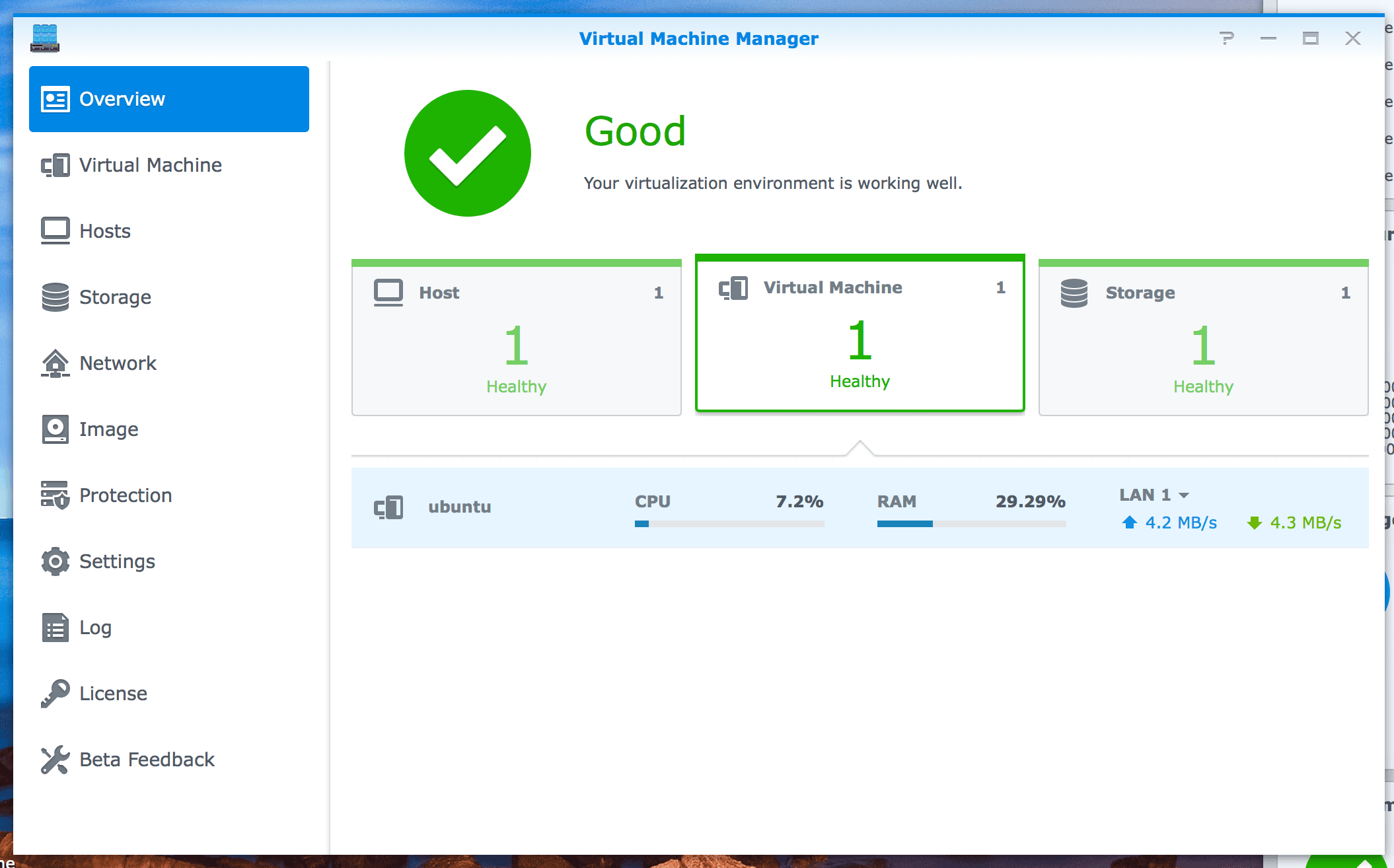
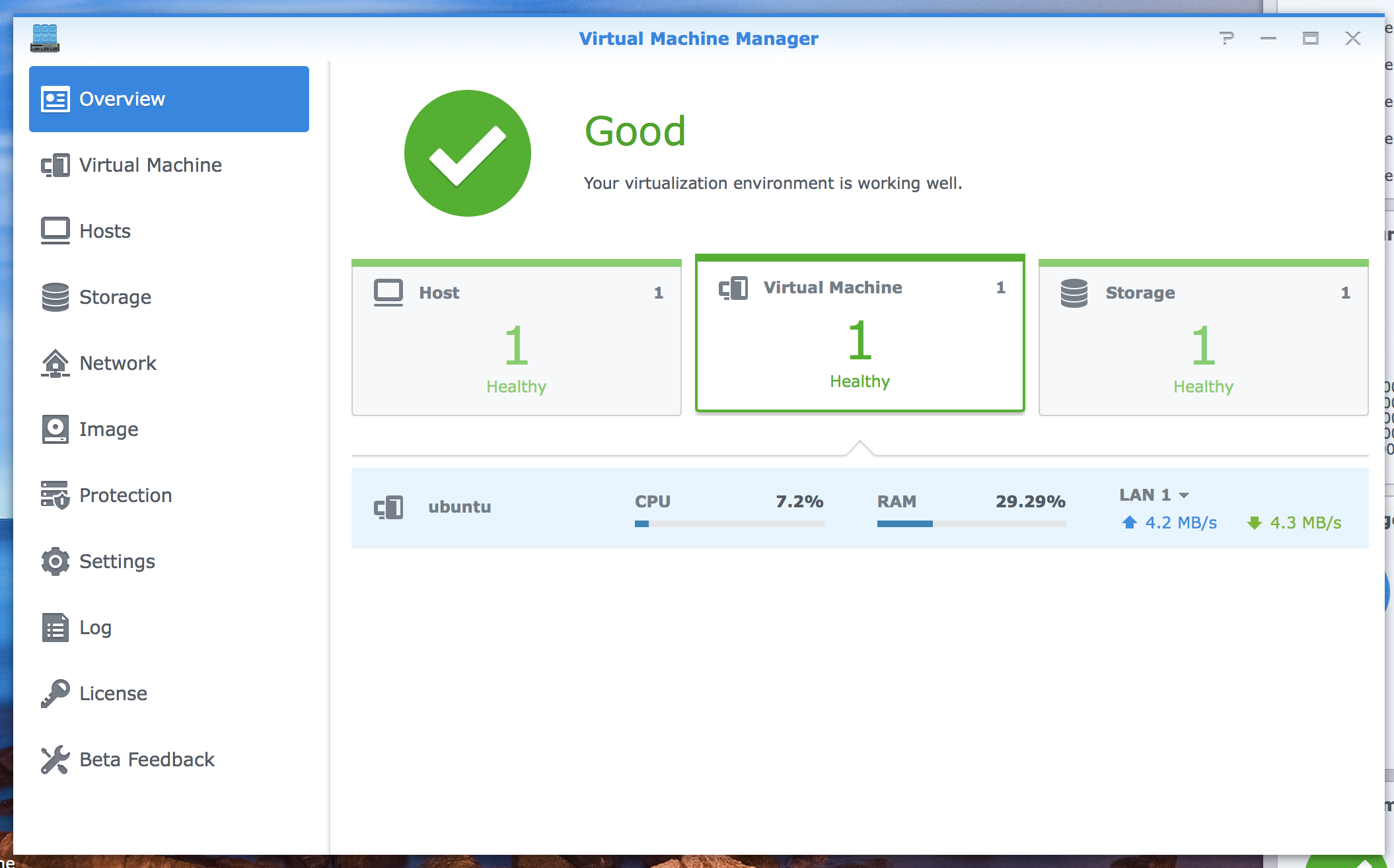
- Install "Virtual Machine Manager" (VMM)
- Create an ubuntu VM in it
- Bash in ubuntu, mount a share from NAS share folder:
//192.168.1.200/backups /backups cifs username=<backup_user_name>,password=<backup_user_password>,iocharset=utf8,sec=ntlm,vers=1.0 0 0
Make sure your mount point (/backups in this case) exists before you do it.
- Setup rsync command: Since NAS share folder has different permission model with Linux, this command will work:
rsync **-rvh --size-only --progress **--delete --password-file= @<server_host>::<folder> ./<folder> --port <port> --exclude-from=exclude.txt
- Add rsync command into crontab to run it automatically.
Enjoy.